
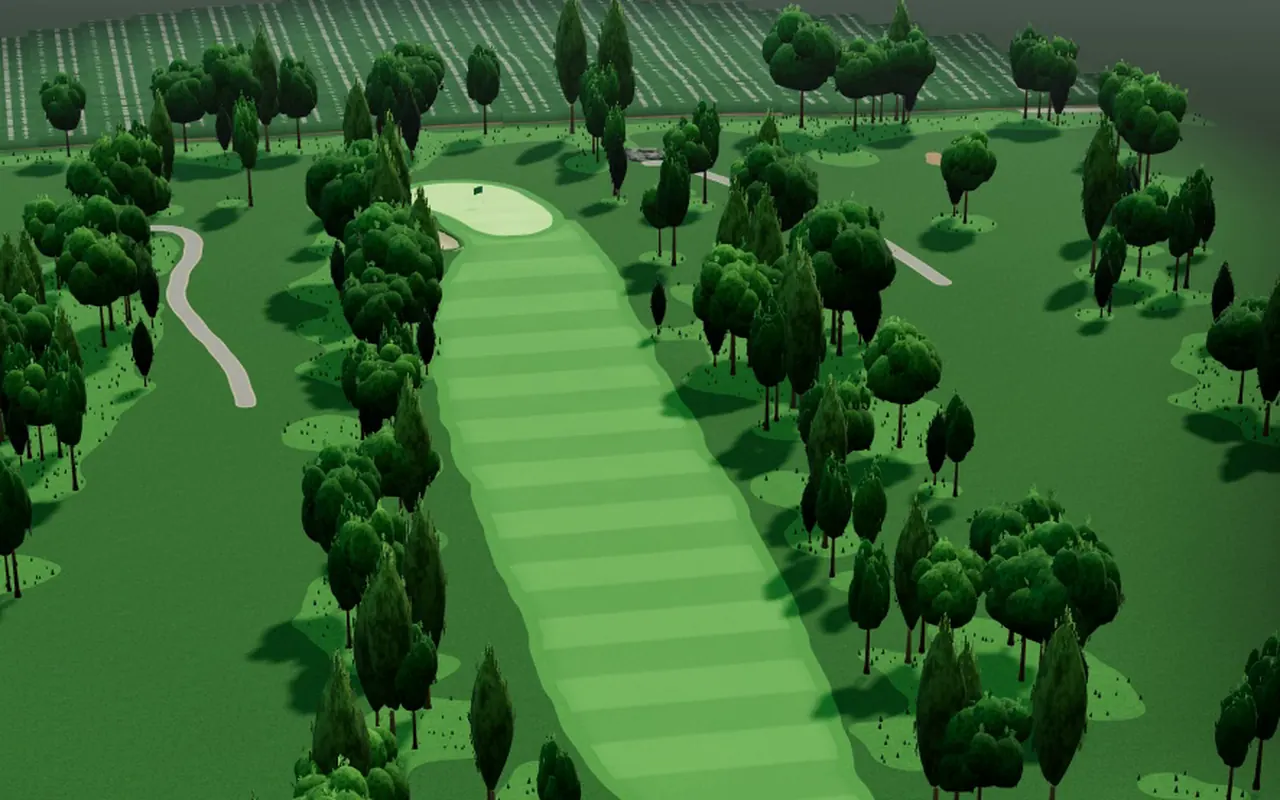
Your bay, on real courses
Hit real balls in your bay and play real courses in 3D, work on the practice range, or take on other launch monitor golfers online.
Real courses from your bay
Play a round on a 3D course from your launch monitor. Each full shot lands where your monitor measured it.
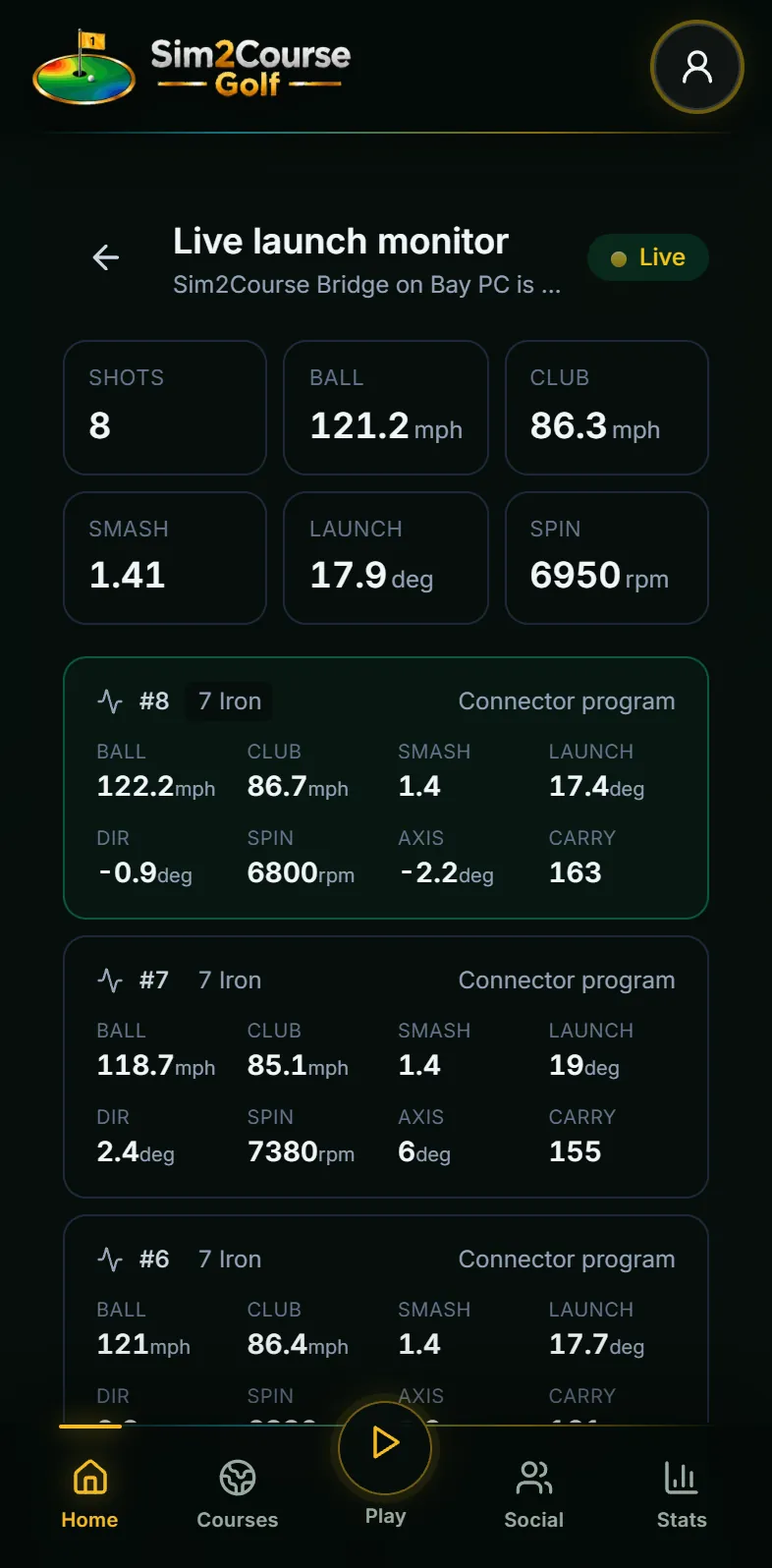
The range, live
Every number from your monitor as you hit it on the practice range, in the free plan.
Matched with sim golfers
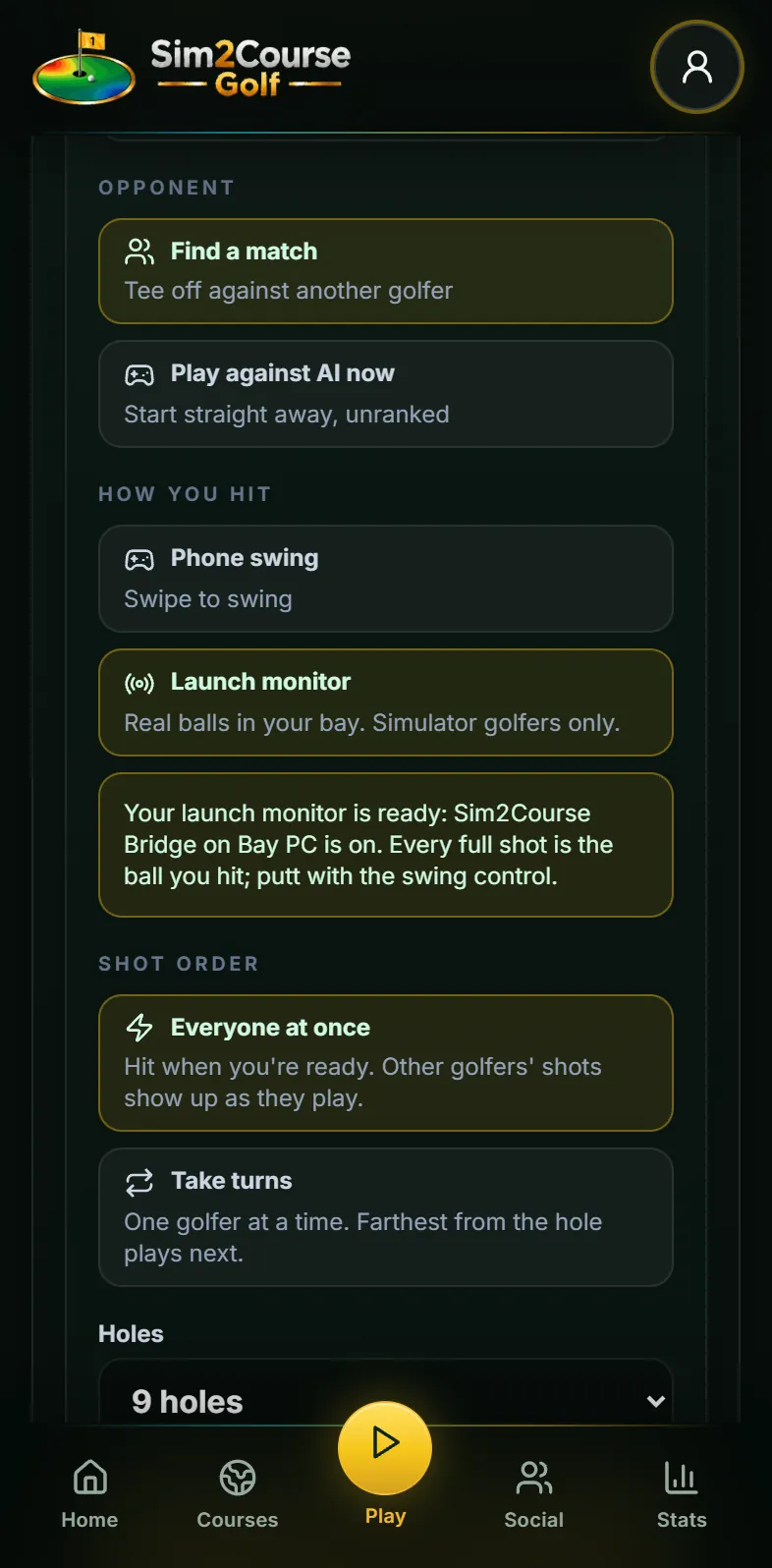
Choose Launch monitor under How you hit, and matchmaking pairs you only with golfers hitting real balls in a bay.
Rooms with your friends
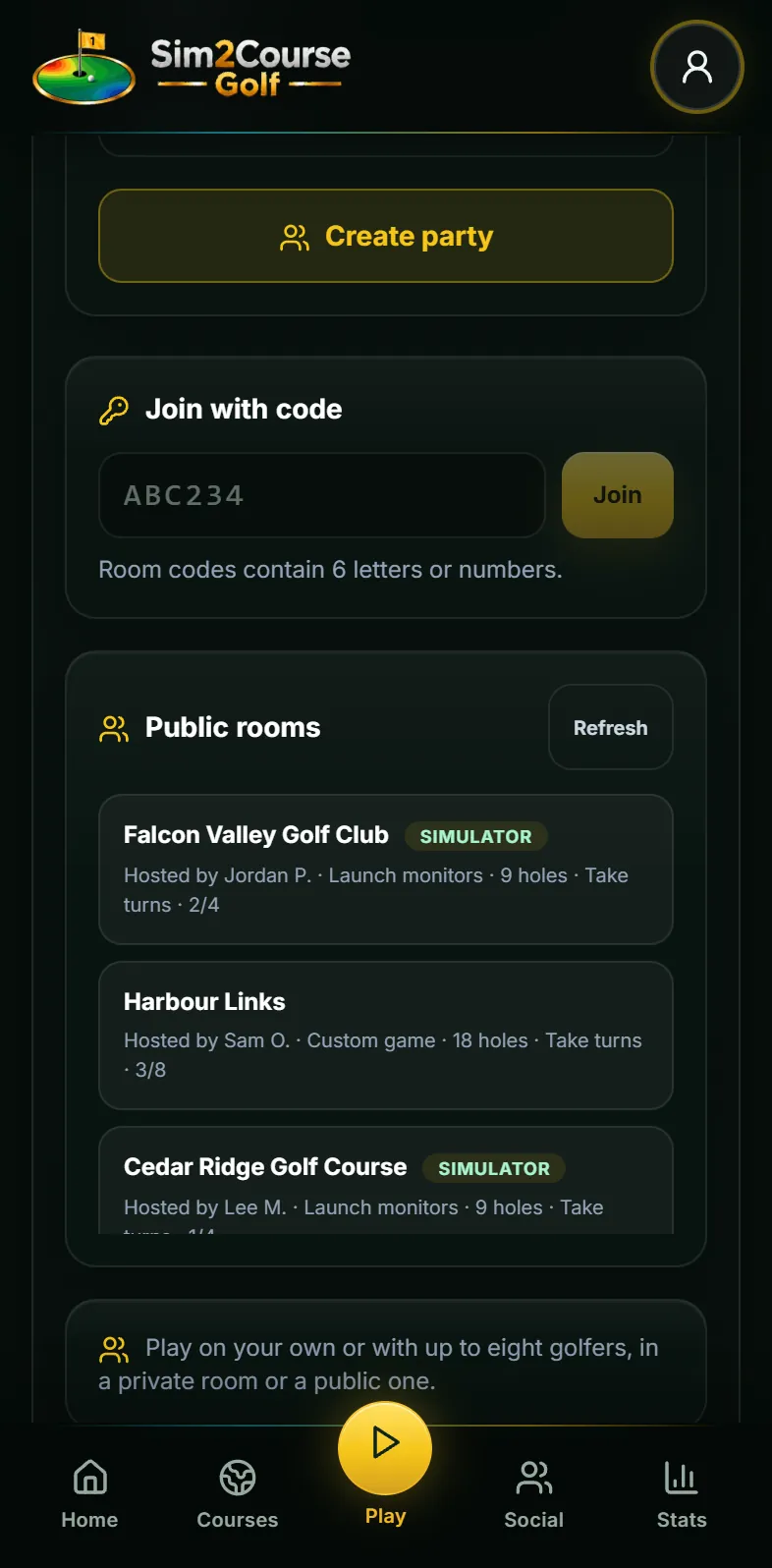
Make a private room, share its code or invite friends, and play the same course from your own bays.
Play an AI golfer
No one searching? Tee off against an AI golfer straight away. Games against AI are unranked.
Connect once
Sim2Course Bridge links the computer in your bay to your account once, then runs in the background.
The practice range's Live launch monitor is in the free plan. Playing a 3D course or an online match from your launch monitor is part of Sim2Course Pro. Pricing
Online matchmaking for launch monitor golfers
Play Online has one switch for your bay: How you hit, Launch monitor. From then on you are matched only with golfers hitting real balls too.
- Every full shot is your ball
- The ball you hit in your bay is the shot in the match. Putts use the swing control.
- Simulator golfers only
- Matchmaking keeps launch monitor golfers together, and their public rooms carry a Simulator badge.
- Private rooms and codes
- Play friends in their own bays: share a room code, or invite them from your friends list.
- An AI golfer, any time
- Start a game against an AI golfer straight away when you just want to play.
Connect your launch monitor
A connector program on your computer sends each shot from your launch monitor to simulator software. Point it at Sim2Course Bridge on that same computer and your shots land on the course, live. A Nova needs no computer at all.
- 1
With Sim2Course Bridge
Download it below and open it on the computer with your connector program. The first time, it opens Sim2Course: check the code and tap Link, then answer its two questions. Set the connector to address 127.0.0.1, port 921, then play in a browser on that computer.
- 2
Keep your other simulator software
Say so when the bridge asks, and use port 9211 instead. Your other software keeps working exactly as before, and every shot is saved to your Sim2Course stats too. No file to export.
- 3
Nova launch monitor
On the same Wi-Fi, the iPhone app finds a Nova and connects by itself. No computer needed.
Sim2Course Bridge 1.2.0. Sim2Course Bridge is free. We do not make, include or install connector programs: get yours yourself and follow your launch monitor maker's terms. Windows may ask you to confirm it the first time (More info, Run anyway); on a Mac, open it once from System Settings, Privacy & Security, Open Anyway.
Full setup and what should work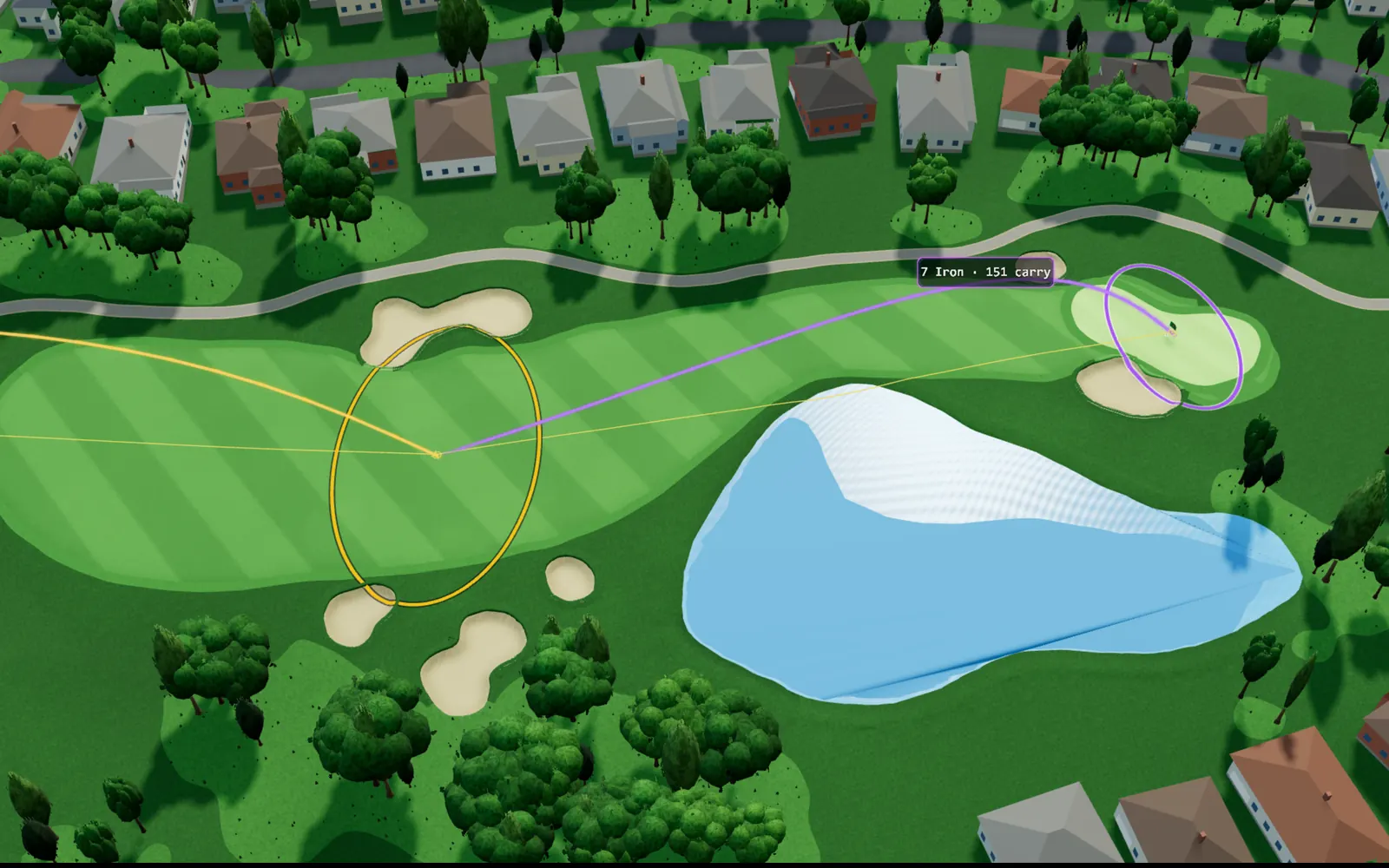
Try it on your own course.
Free to download for iPhone and Android. Apple Watch app included.
